Hydra LLM Router for Codex Desktop
Why: I built Hydra because Codex Desktop is a great harness, but I wanted to use it interchangeably with local LLMs on my Apple Silicon MacBook, and automatically reserve stronger cloud models for harder tasks.
How: Hydra discovers models and capabilities from LM Studio, Ollama, oMLX and OpenAI, then combines them into a catalog for Codex Desktop. It normalizes thinking modes and streaming, bridges Codex tools, plugins and connected apps to local models, and emulates hosted tools like web_search and tool_search. Synthetic hydra/ models can route each task to a local or cloud model, with safe fallbacks and conversation-state handling.
What: Hydra lets you select any available model directly from the Codex model switcher, or use a router like the bundled hydra/money-saver to choose one automatically based on a selector prompt.
Here’s what it looks like in the Codex Desktop model selector.
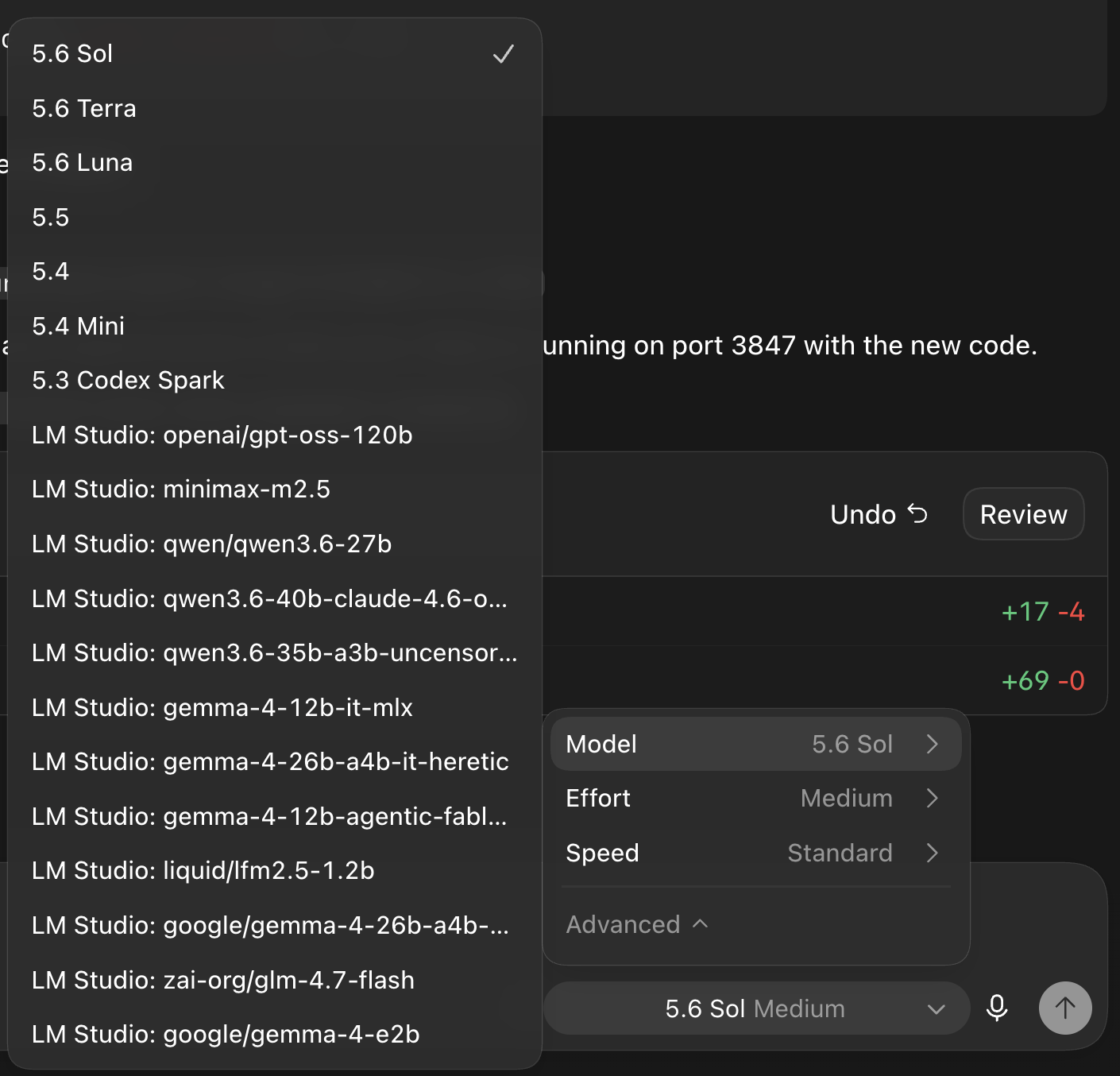
There are quite a few nuances involved in translating different providers into the Responses interface Codex expects while preserving its native authentication, tools, approvals and existing conversations.
Hydra now ships as a signed macOS menu-bar app, with controls for installing, restoring and refreshing Codex, as well as creating synthetic models.
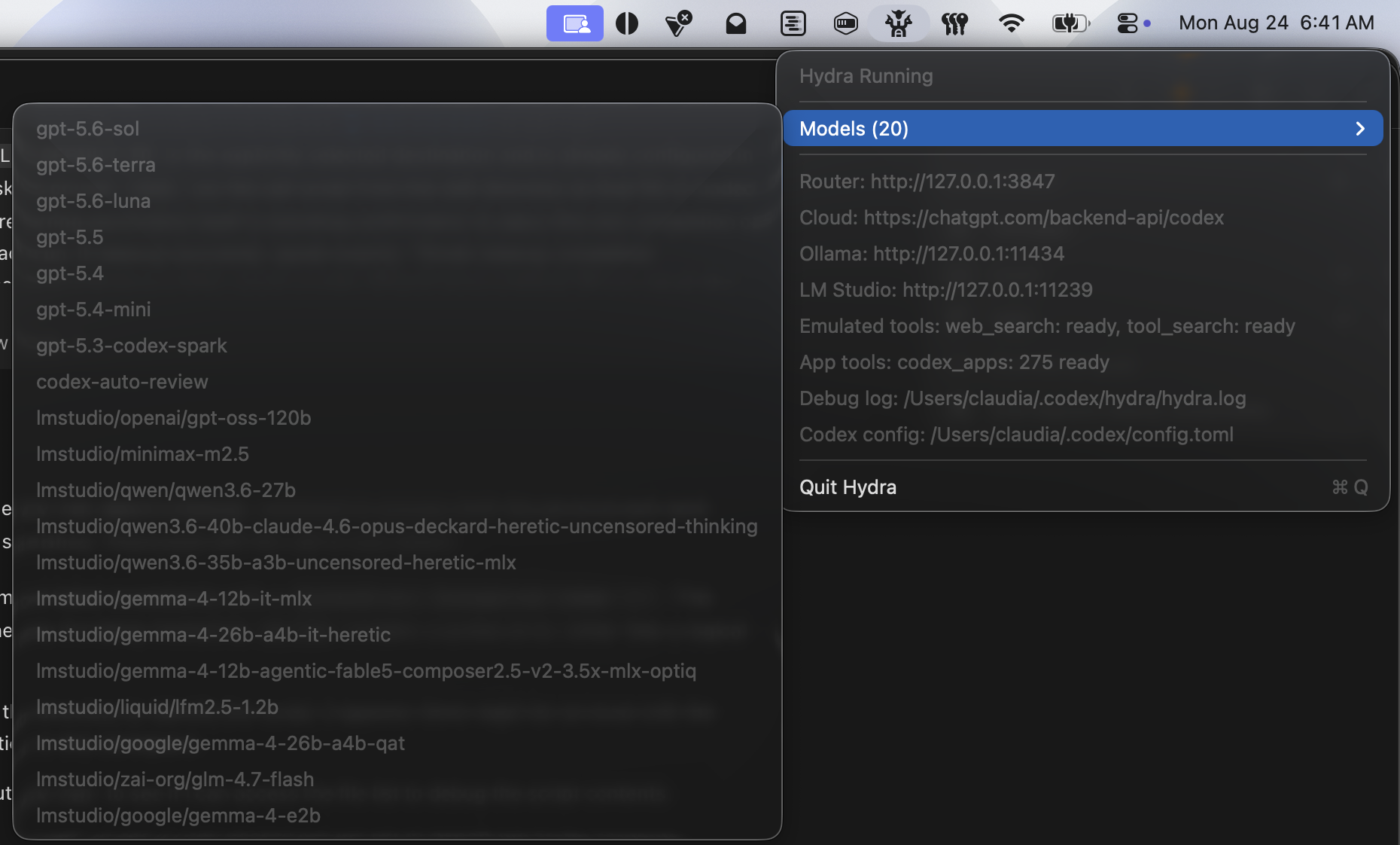
The latest version also includes Metron, a local dashboard for tracking latency, token usage, tool calls and estimated sucessful-task cost.
The project is here.